🎚️ Live Room: audio glitch fix
Live Room Mac Studio · Oct 7, 2026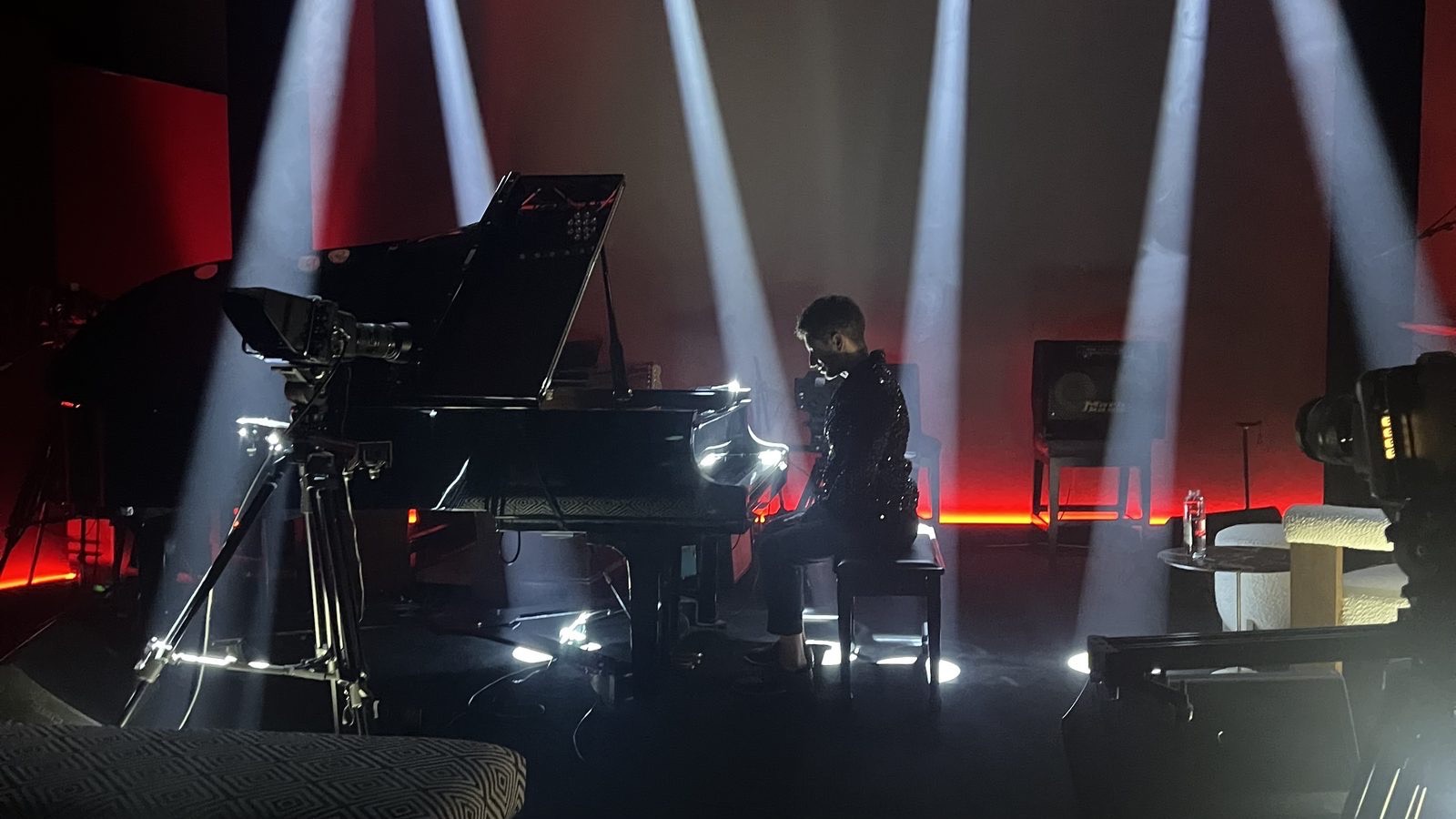
🎛️ Ableton buffer 64 to 256
-
Ableton buffer size to 256
- Settings > Audio > Buffer Size: 256 samples
- Performers monitoring through Ableton? Use 128. 256 adds about 4 ms each way.
-
Dante Virtual Soundcard latency to 6 or 10 ms
- In the Dante Virtual Soundcard app, raise latency off the lowest setting.
- It most likely sits at 4 ms now, going by Ableton's reported 5.33 ms input latency. inference
🚫 Leave OBS recording on the Apple encoder. Don't switch Settings > Output > Recording > Encoder back to x264.
- 🧭 Ableton runs on Dante Virtual Soundcard at 64 samples, with almost no slack.
- ⚡ A CPU spike, mainly OBS's x264 recording encoder, makes Ableton miss its audio deadline.
- 🔗 OBS takes Ableton's sound through Loopback, so the same dropout lands in the stream and the recording.
- ⚖️ Confidence: moderate. No glitch has been caught live yet, so the trigger on the day is still inference. inference
✅ Already changed on the Mac
- Nothing for you to do. Verified in effect on Oct 7 at 22:01. Each has a one-step undo.
🟢 OBS records with Apple's hardware H.264 encoder
- Recording used x264 on the CPU, the same cores Ableton needs. Streaming already used the hardware encoder.
- Every recording since Sep 27 used x264 veryfast.
- Undo, with OBS quit first:
cp -p "$HOME/Library/Application Support/obs-studio/basic/profiles/Untitled/basic.ini.bak-2026-10-07" "$HOME/Library/Application Support/obs-studio/basic/profiles/Untitled/basic.ini"
🟢 App Nap is off for Ableton and OBS
- Takes effect the next time each app opens.
- Undo:
defaults delete com.ableton.live NSAppSleepDisabled
defaults delete com.obsproject.obs-studio NSAppSleepDisabled
🟢 Google and Adobe background updaters are off
- Disabled: Google Keystone, Google Updater wake, Adobe CCX process.
- Chrome and Creative Cloud still work, and still update while they are open.
- Undo:
launchctl enable gui/501/com.google.keystone.agent
launchctl enable gui/501/com.google.GoogleUpdater.wake
launchctl bootstrap gui/501 ~/Library/LaunchAgents/com.google.GoogleUpdater.wake.plist
launchctl enable gui/501/com.adobe.ccxprocess
launchctl bootstrap gui/501 ~/Library/LaunchAgents/com.adobe.ccxprocess.plist
🔁 If it glitches again
-
Note three things
- ⏱️ The clock time of the glitch
- 📈 The peak of Ableton's CPU meter, top right in Live
- 🪟 What else was open on the Mac
-
Text Greg the same day
- The Mac's detailed audio log rotates out in about a day.
🧪 Re-test recipe, for whoever checks it from a fleet Mac
- Check the macOS log around the glitch. Change the two times to the glitch window:
fleet run live-room-studio '/usr/bin/log show --start "2026-10-08 20:00:00" --end "2026-10-08 20:05:00" --style compact --predicate "eventMessage CONTAINS[c] \"overload\" OR eventMessage CONTAINS[c] \"skipping cycle\""' --timeout 300
- Re-run the load test with Ableton and OBS closed, because it takes over the Dante device. Swap x264noise for none, x264 or vt:
fleet run live-room-studio '~/live-room-audio-fix-2026-10-07/probe/realtest.sh x264noise' --timeout 200
- The script: realtest.sh
🔍 The evidence
🎥 A real x264 recording encode against Dante, at 64 and 256
- Each row is 45 seconds of a 1080p30 encode while a test program drives Dante Virtual Soundcard. Counts are missed audio deadlines.
| Background encode | Encoder CPU | Missed at 64 | Missed at 256 |
|---|---|---|---|
| None, test pattern only | 0.1 core | 2 (0.005%) | 0 |
| x264 veryfast, clean picture | 0.6 to 0.9 | 1 (0.003%) | 1 (0.010%) |
| x264 veryfast, grainy picture like a camera feed | 2.3 to 2.5 | 33 (0.091%) | 0 |
| Apple hardware H.264, the new setting | 0.1 core | 3 (0.008%) | 0 |
- 💡 What this means: on a grainy picture, x264 raised missed deadlines at 64 about 11 times above the hardware encoder and 18 times above no encode. At 256 the grainy-picture misses went to zero.
- The test load stands in for Ableton's plug-ins. Read the rates as a comparison between rows, not a click count per minute. inference
- Files: none, x264, x264 grainy, hardware
📊 Heavy CPU load breaks 64 samples, and 256 holds
- Missed audio deadlines on Dante Virtual Soundcard with cores kept busy. The Mac has 14 cores.
14 busy cores · 6436.4%
14 busy cores · 2564.15%
8 busy cores · 640.12%
3 busy cores · 640%
- 💡 What this means: the more the CPU is loaded, the more 64 samples drops out. 256 absorbs almost all of it.
- The busy-core counts are read from the test labels BURN14, BURN8 and BURN3. inference
- With one thread and no extra load, Dante held 64 samples for 60 seconds at 30, 70 and 85 percent load with zero gaps, so the driver alone is stable.
- Files: mt-results.txt, single-thread runs at 30%, 70%, 85%
🧾 What the logs show
- Ableton runs on Dante Virtual Soundcard, 64 samples, 48 kHz, 48 inputs and 52 outputs.
- OBS recorded with x264 and streamed with the hardware encoder. Its video kept up, with 2 lagged frames in 25,598.
- Ableton never restarted its audio engine during the Oct 3 or Oct 6 recordings.
- The macOS log holds no overload entries, but its detail only reaches back to Oct 6 22:00, after Ableton last ran. It neither confirms nor rules anything out.
🚫 Ruled out or unlikely
- Stream traffic on the Dante cable: ruled out. Dante uses the built-in Ethernet, and the internet runs on a separate USB adapter and Wi-Fi.
- Dante's error log: those errors fall only overnight, when the Dante link is down, and stop when it returns in the morning. inference
- Clock drift in the aggregate devices: Ableton does not use them, and drift correction is on in each.
⚖️ The strongest case against this explanation
- No glitch was captured live, and the macOS log no longer covers any Ableton session.
- x264 on a clean picture caused no extra misses. The jump needed a grainy picture, and the real camera load is unmeasured.
- The worst numbers came from all 14 cores pinned, which a normal session may never reach.
- If glitches continue after the buffer change, look next at Dante network timing and Ableton's plug-in load on the day.
⚪ Also left on the Mac, optional
- Turning off Power Nap and disk sleep is optional and needs the admin password.
- Photos media analysis was using most of a core at 22:01. Opening Photos once and letting it finish keeps it from running mid-session.
- Test tools sit in one folder on the Mac. Nothing runs unless started by hand, and they have no effect on audio.